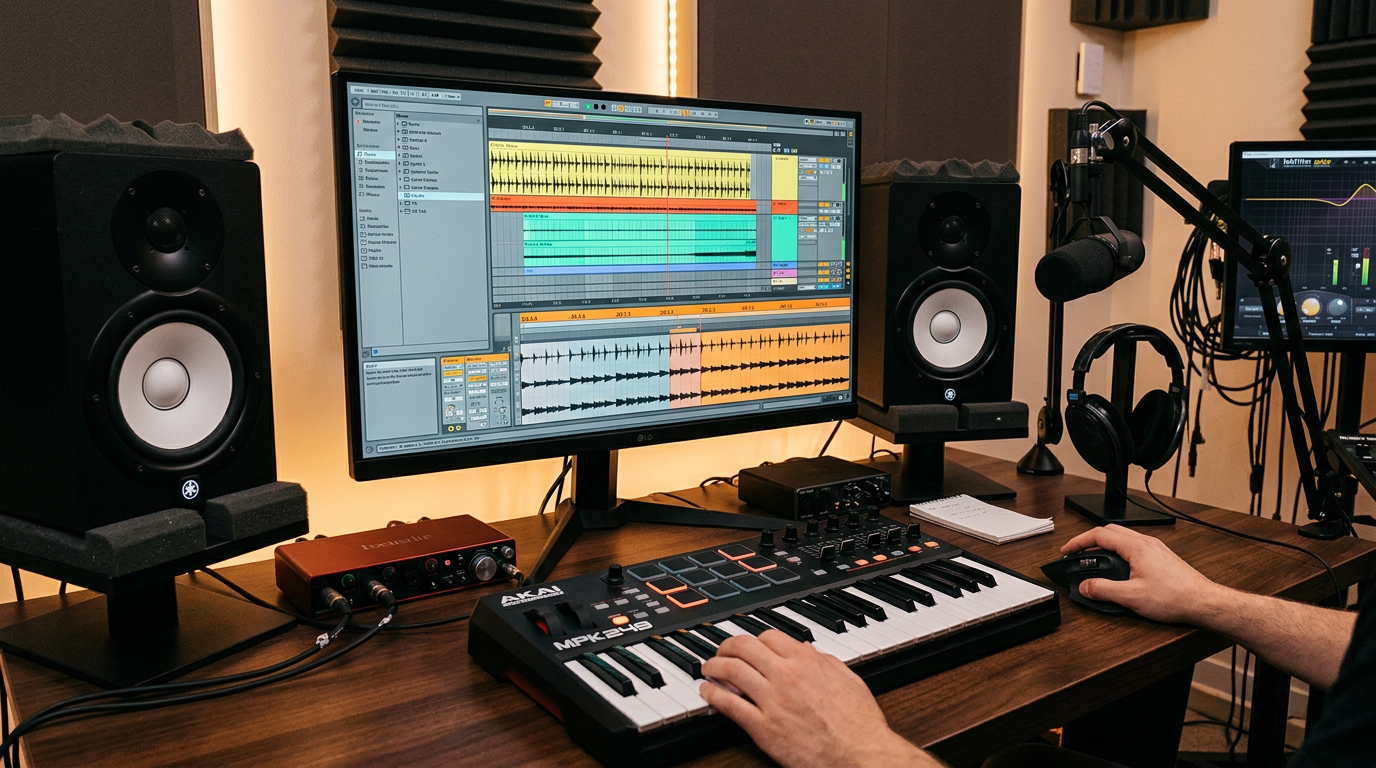
From loop to full track: how to stop starting and start finishing

Most producers have dozens of loops saved and almost no finished tracks. The problem isn’t talent or inspiration — it’s not knowing what comes after the loop. This article gives you a concrete system to go from a 2-bar idea to a complete track, without overcomplicating it.

1. Why loops don’t become tracks on their own

A loop is a proof of concept. It shows that an idea has potential. But finishing a track requires a different skill: arrangement. Arrangement is the art of controlling what the listener hears, when they hear it, and how much of it. Most producers avoid it because it feels less creative than making sounds — but it’s the thing that turns a sketch into music.

The single biggest mistake is trying to perfect the loop before arranging. If you spend three hours getting the kick right before you have a structure, you’re optimising something you don’t yet know how to use.

2. Know the shape before you build it

A functional electronic track has a predictable shape, and that predictability is a tool, not a limitation. Here’s a basic structure that works across most genres:

  • Intro (8–16 bars): stripped version of the main elements, creates expectation
  • Build (8–16 bars): elements enter gradually, tension increases
  • Drop/Main (16–32 bars): full energy, all key elements present
  • Breakdown (8–16 bars): space, contrast, stripped back again
  • Second build (8 bars): shorter than the first, the listener knows what’s coming
  • Second drop (16–32 bars): often a variation of the first
  • Outro (8–16 bars): elements exit one by one

You don’t need to follow this exactly. But you need a shape. Open a new arrangement view, create empty sections with markers, and name them before you place a single note.

3. Copy first, vary later

The most efficient way to fill an arrangement is to copy your loop into every section first, then remove what doesn’t belong. This is the opposite of how most beginners work. Instead of building each section from scratch, you start with everything everywhere and subtract.

Drop your loop across the entire arrangement. Then go section by section and mute or delete the elements that shouldn’t be there yet. The intro becomes the drop minus everything except a hi-hat and a kick. The breakdown becomes the drop minus everything except a pad and a bassline. You’ve just built a draft arrangement in twenty minutes.

4. Energy is movement, not volume

A common mistake is using volume automation to create energy changes. Turning the master up isn’t an arrangement — it’s a loudness change. Real energy comes from density: how many elements are playing, how complex the rhythmic pattern is, and how much spectral space is being used.

To build energy: add elements, increase rhythmic complexity, or open a filter. To drop energy: remove elements, simplify the pattern, or close a filter. The loudness should stay roughly constant throughout the track. The density changes.

5. Transitions do the work between sections

The moment between two sections is where most tracks fall apart. Without a transition, a section change feels like a cut in a badly edited film. The simplest transition toolkit that works every time: a riser (white noise filtered up over 4 bars), a crash cymbal on the downbeat of the new section, and a bass drop (one bar of silence in the bass just before the change). These three elements alone will make any arrangement feel intentional.

6. The “good enough” decision

The reason tracks don’t get finished is perfectionism applied at the wrong stage. At the arrangement stage, good enough is the goal. A track with a complete structure and imperfect sounds is infinitely more useful than a perfect loop with no structure. You can fix sounds later. You can’t finish a track that never had a shape.

Set a time limit: two hours to have a full draft arrangement, even if it’s rough. When the two hours are up, export a rough mix. Hearing your track as a continuous piece of audio — even a bad one — changes everything about how you approach the next session.

Try it now

Take any loop you have saved. Open a new arrangement. Paste the loop across 128 bars. In the next 30 minutes, create at least five distinct sections by muting and deleting elements. Export. Listen.

Sources and further reading

  • Ableton: Making Music by Dennis DeSantis — free PDF, chapters on arrangement and finishing tracks
  • Sound On Sound: “Arrangement Masterclass” series
  • YouTube: Underdog Electronic Music School — arrangement tutorials
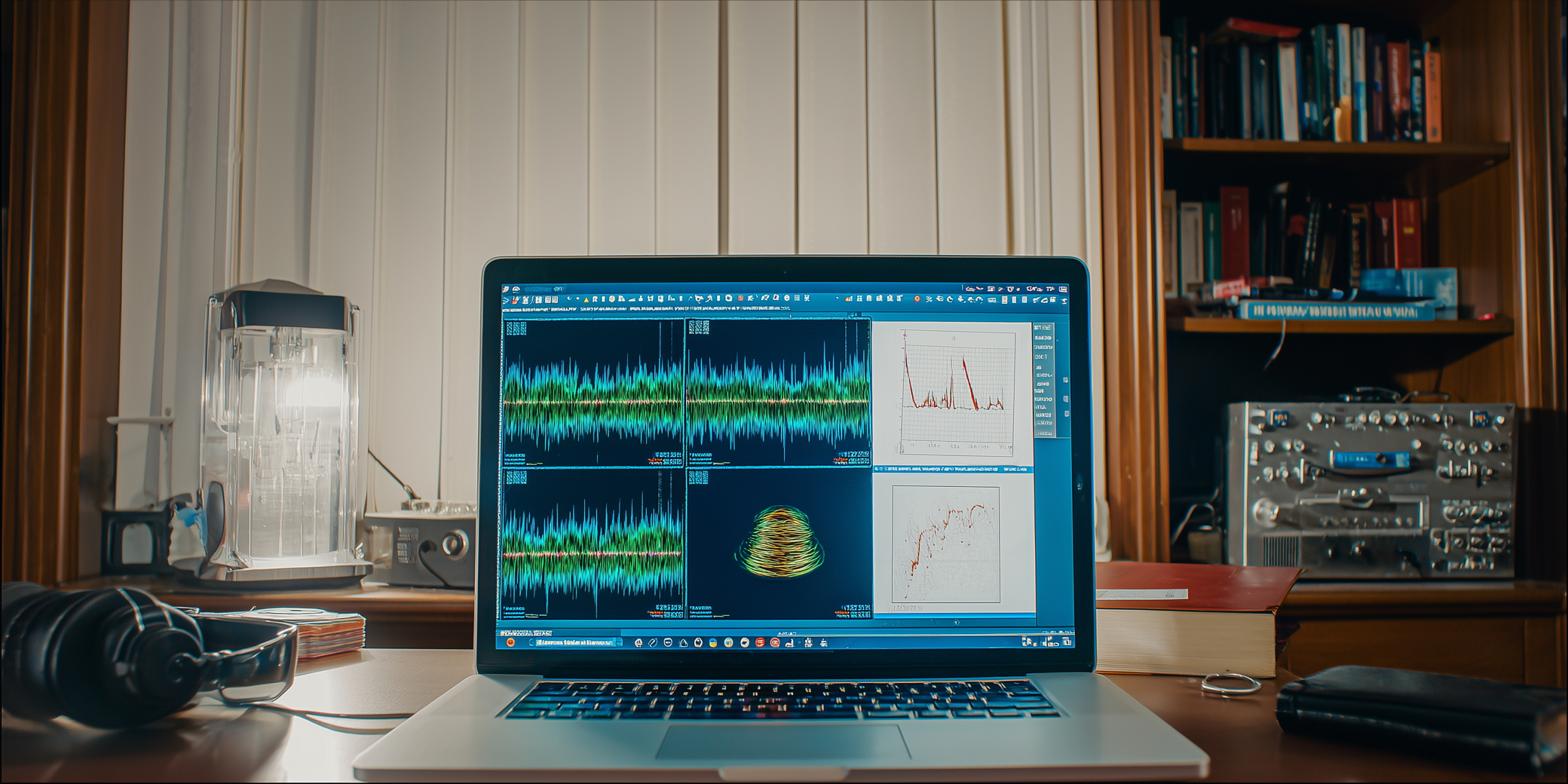
Producer’s ear 3.0: the guide to using reference tracks to achieve a professional level

Why doesn’t your music sound like theirs?

You’ve spent hours on your new track. The arrangement is solid, the sounds are unique, and the mix seems pretty good to you. But when you play it next to a professional track from your favorite artist, something feels off. It lacks that polished, powerful punch you hear on streaming platforms. The bass isn’t as tight, the highs aren’t as crisp, and the overall volume is… well, lower. The gap between your music and theirs often comes down to one critical, often overlooked practice: using reference tracks.

This article is your guide to mastering the art of referencing. It’s not about copying someone else’s work; it’s about using professional mixes as a blueprint to train your ears, identify your mixing weaknesses, and make informed decisions. We’ll show you how to listen like a pro and use this simple but powerful technique to elevate your music to a professional standard.

Day 1: The foundation – choosing the right references

The first step to effective referencing is choosing the right track to compare against. A bad reference track will lead you down the wrong path.

Your mission:

  1. Be genre-specific: Pick 2-3 tracks that are in the exact same genre and subgenre as your track. If you’re making melodic techno, don’t use a deep house track as a reference.
  2. Choose high-quality audio: Use a high-quality file format (WAV or FLAC) or a high-quality streaming service (like Spotify Premium or Tidal). A low-quality MP3 will give you a flawed comparison.
  3. Find the “vibe”: Choose a track that has the sound and feel you’re aiming for. It should have a similar arrangement, a similar energy level, and a similar sonic signature.

Why this matters: The right reference track acts as a goalpost, giving you a clear, objective target to aim for during your production and mixing process.

Day 2: The process – A/B testing with purpose

A/B testing is the core of referencing. It’s the act of switching between your mix and the reference track to compare them.

Your mission:

  1. Set up for a level match: Load your reference track into a separate audio channel in your DAW. Crucially, reduce its volume so it matches the perceived loudness of your mix. Your mix might sound louder just because it’s quieter and less compressed, so be careful.
  2. Listen in short bursts: Don’t listen to a full song. Loop a short section (e.g., the drop) and switch back and forth between your track and the reference every few seconds.
  3. Focus on specific elements: Don’t try to hear everything at once. Focus on one element at a time.
    • The low-end: Does your kick drum have the same punch and weight? Is your bassline as clear and present?
    • The midrange: Is your lead synth or vocal cutting through the mix like theirs?
    • The high-end: Are the hi-hats and cymbals as crisp and clear? Or do they sound harsh?

Why this matters: A/B testing allows you to make quick, objective comparisons, training your ears to hear the subtle differences that separate an amateur mix from a professional one.

Day 3: Going beyond the mix – referencing for arrangement and sound design

Referencing isn’t just a final mixing tool. It can and should be used throughout your entire production process.

Your mission:

  1. Reference during arrangement: When you’re stuck on an arrangement, listen to your reference track. How long is their intro? Where does the breakdown start? When do they introduce the main melody? Use their structure as a guide for your own track.
  2. Reference for sound design: Can’t get your bass to sound right? Find a reference track with a bass sound you love. Deconstruct it mentally: is it a sub-bass? Does it have a lot of midrange? Is it distorted or clean? Use these insights to guide your own sound design.
  3. Reference for effects: Are you using too much reverb? Too little? Listen to how the reference track uses effects. Do the vocals have a lot of delay? Does the kick drum have any reverb on it?

Why this matters: Integrating referencing into your workflow from the beginning prevents you from going too far down the wrong path and saves you valuable time later on.

Day 4: Final checks – the mastering reference

Before you send your track off to be mastered, a final reference check can ensure your mix is master-ready.

Your mission:

  1. Check for dynamic range: Look at the waveforms of your track and the reference track. A professionally mastered track will have a full, dense waveform, while your unmastered track will have more peaks and valleys. If your track’s waveform looks too compressed, it means your mix is likely too loud and needs a rethink.
  2. Check the stereo field: Use a stereo visualizer in your DAW. Does your mix have a similar width to the reference? Is your low-end in the center, or is it too wide?
  3. Check on different systems: Listen to both your mix and the reference on a variety of systems: laptop speakers, headphones, car stereo, etc. If your bass disappears on your laptop speakers but the reference’s bass is still audible, you might have a problem.

Why this matters: Referencing at the final stage helps you iron out any last-minute issues and ensures your track is well-balanced and ready for the mastering process.

The final polish

Using reference tracks is a skill that takes practice, but it’s one of the most effective ways to level up as a producer. It teaches you to listen critically, make deliberate choices, and close the gap between your passion project and a professional-grade track. Stop guessing, start comparing, and watch your music transform.

Unlocking your DAW: A zero-to-electronic-beat journey (and beyond!)

So, You want to make electronic music?

The journey into electronic music production can feel like stepping onto a vast, uncharted island. You’ve got the passion, the ideas, and perhaps a vague notion of what a DAW (Digital Audio Workstation) is, but where do you even begin? Forget the intimidating tutorials that throw complex terminology at you. This isn’t just another guide; it’s your 7-day roadmap to creating your first complete electronic beat, built on practical steps, creative challenges, and the kind of actionable insights you actually need.

Forget the myth that you need expensive gear or years of theory. Your most powerful tool right now is your curiosity and the willingness to experiment. Ready to turn those abstract ideas into tangible sound? Let’s dive in.

Day 1: Choosing your ship (and not getting lost at sea)


The first hurdle is often picking a DAW. With so many options – Ableton Live, FL Studio, Logic Pro, Studio One, Reason – it’s easy to get stuck in “analysis paralysis.” The truth? Most DAWs do the same core things, just with a different interface.

Your Mission:

  1. Do Your Research (Quickly!): Watch 2-3 introductory videos (5-10 min each) on YouTube for Ableton Live and FL Studio. These are incredibly popular for electronic music and have vast online communities. Pay attention to how they look and feel.
  2. Download a Free Trial: Both Ableton Live and FL Studio offer generous free trials. Pick the one that intuitively appeals to you most. Don’t overthink it! This is just your starting point.
  3. Open It Up: Simply open your chosen DAW. Explore the interface without judgment. Click around. Don’t worry about making music yet; just get comfortable with the environment.

Why this matters: The best DAW is the one you actually use. Don’t wait for the “perfect” choice. Start experimenting.

Day 2: The Heartbeat – Laying down your first drums


Every electronic track needs a strong rhythmic foundation. Today, we’re building a basic drum loop.

Your Mission:

  1. Find the Drum Rack/Step Sequencer: Locate the drum machine or step sequencer in your DAW. This is where you’ll program your beats.
  2. Load Basic Sounds: Find a kick, snare, and hi-hat sound. Most DAWs come with pre-loaded drum kits. Start simple: a standard 909 or 808 kit is perfect.
  3. Program a 4-to-the-Floor Beat:
    • Place a kick drum on every beat (1, 2, 3, 4).
    • Add a snare drum on beats 2 and 4.
    • Place a closed hi-hat on every off-beat (1.5, 2.5, 3.5, 4.5) to create a consistent pulse.
  4. Loop It: Set your loop markers to cover 1 or 2 bars and listen to your creation repeatedly.

Why this matters: You’ve just created the backbone of countless electronic tracks! Understanding this fundamental rhythm is key.

Day 3: The Pulse – Crafting a Simple Bassline


A driving bassline is essential for groove and energy in electronic music. Today, we’re adding that low-end punch.

Your Mission:

  1. Find a Synth (or a Sampled Bass): Your DAW will have native synthesizers. Choose a simple one (like an analog-style synth) or find a pre-loaded bass sample.
  2. Basic Melody: Program a simple, repetitive bassline. For a classic feel, try hitting the root note of your track (e.g., C if your track is in C minor/major) on the downbeat, or experiment with a simple 2-note pattern that complements your drums.
  3. Listen and Adjust: How does the bass interact with your drums? Does it feel good? Adjust the notes or rhythm slightly until it locks in.

Why this matters: Drums and bass are the power couple of electronic music. Mastering their interplay creates undeniable groove.

Day 4: Texture & Atmosphere – Adding Pads or Leads


Now for some melodic or atmospheric elements. This is where your track starts to get its personality.

Your Mission:

  1. Choose a Synth (or Sample): Grab another native synth or a pad/lead sample.
  2. Simple Progression: Create a simple, 1- or 2-bar melodic loop. Don’t aim for complexity. A sustained pad can add warmth, or a simple lead line can add a hook. If you know a few chords, try a simple two-chord progression.
  3. Layer and Listen: Play it with your drums and bass. Does it blend? Does it add to the overall feeling? Experiment with different sounds and subtle effects (like reverb or delay) to create atmosphere.

Why this matters: These elements add emotional depth and sonic interest, moving your track beyond just a beat.

Day 5: Arrange for Impact – Building your track’s story


A great track isn’t just a loop; it has a journey. Today, we’ll arrange your 2-4 bar loop into a basic song structure.

Your Mission:

  1. Duplicate Your Loop: Copy and paste your current loop several times to create a longer segment (e.g., 16-32 bars).
  2. Basic Arrangement:
    • Intro (4-8 bars): Start with just drums, or drums and bass.
    • Build-up: Gradually introduce elements – maybe bring in the pad, then the lead, one by one.
    • Main Section: All elements playing together.
    • Breakdown (Optional): Remove some elements, focus on pads or atmospheric sounds for a few bars.
    • Outro: Gradually fade out elements, perhaps ending with just the kick drum or a sustained pad.
  3. Listen to the Flow: Does it feel natural? Does it build and release tension?

Why this matters: Arrangement turns a loop into a song, creating dynamics and keeping the listener engaged.

Day 6: Polish & Play – Basic Mixing and Effects


Now for the final touches. Even basic mixing makes a huge difference.

Your Mission:

  1. Volume Balancing: Adjust the volume faders for each track. No single element should be overwhelmingly loud. Your kick and bass are usually the loudest; other elements support them.
  2. Basic EQ: Use an Equalizer (EQ) plugin on each track to cut unwanted frequencies. For example, cut some low-end from hi-hats, or high-end from bass, to make space for other elements.
  3. Reverb & Delay: Add a touch of reverb or delay to your pad or lead synth to give them space and depth. Don’t overdo it! A little goes a long way.
  4. Listen on Different Devices: Listen to your track on headphones, computer speakers, and even your phone. How does it sound?

Why this matters: Mixing gives your track clarity and power, making it sound more professional.

Day 7: The Producer’s Mindset – Beyond the buttons


You’ve made your first beat! But true growth comes from your approach.

Your Mission (Ongoing):

  1. Listen Actively: Pay attention to the tracks you love. How are they structured? What makes their drums punchy, their basslines groovy, their melodies captivating? Try to deconstruct them in your mind.
  2. Experiment Fearlessly: Don’t be afraid to break the “rules.” Delete everything and start over. Try a new sound. Push boundaries.
  3. Patience is Key: Production is a marathon, not a sprint. Celebrate small victories and don’t get discouraged by roadblocks. Every mistake is a learning opportunity.
  4. Share Your Work (When Ready): Get feedback from trusted friends or online communities. Constructive criticism is invaluable.

Why this matters: Technical skills are important, but the right mindset fuels consistent improvement and creative breakthroughs.

Congratulations, Budding Producer!

You’ve just completed your first hands-on journey into electronic music production. This is merely the beginning of an exciting and incredibly rewarding path. Every great producer started exactly where you are now.

Keep exploring, keep creating, and most importantly, keep listening. The world of sound is waiting for you to shape it.